How to use Board2Doc
Board2Doc is a board view. Add it to the board that contains the records you want to turn into documents.
- Open Board2Doc. Add the “Business documents” view to your board and open it.
- Select records. Choose one or more records, or import a CSV when you want to prepare documents from a file.
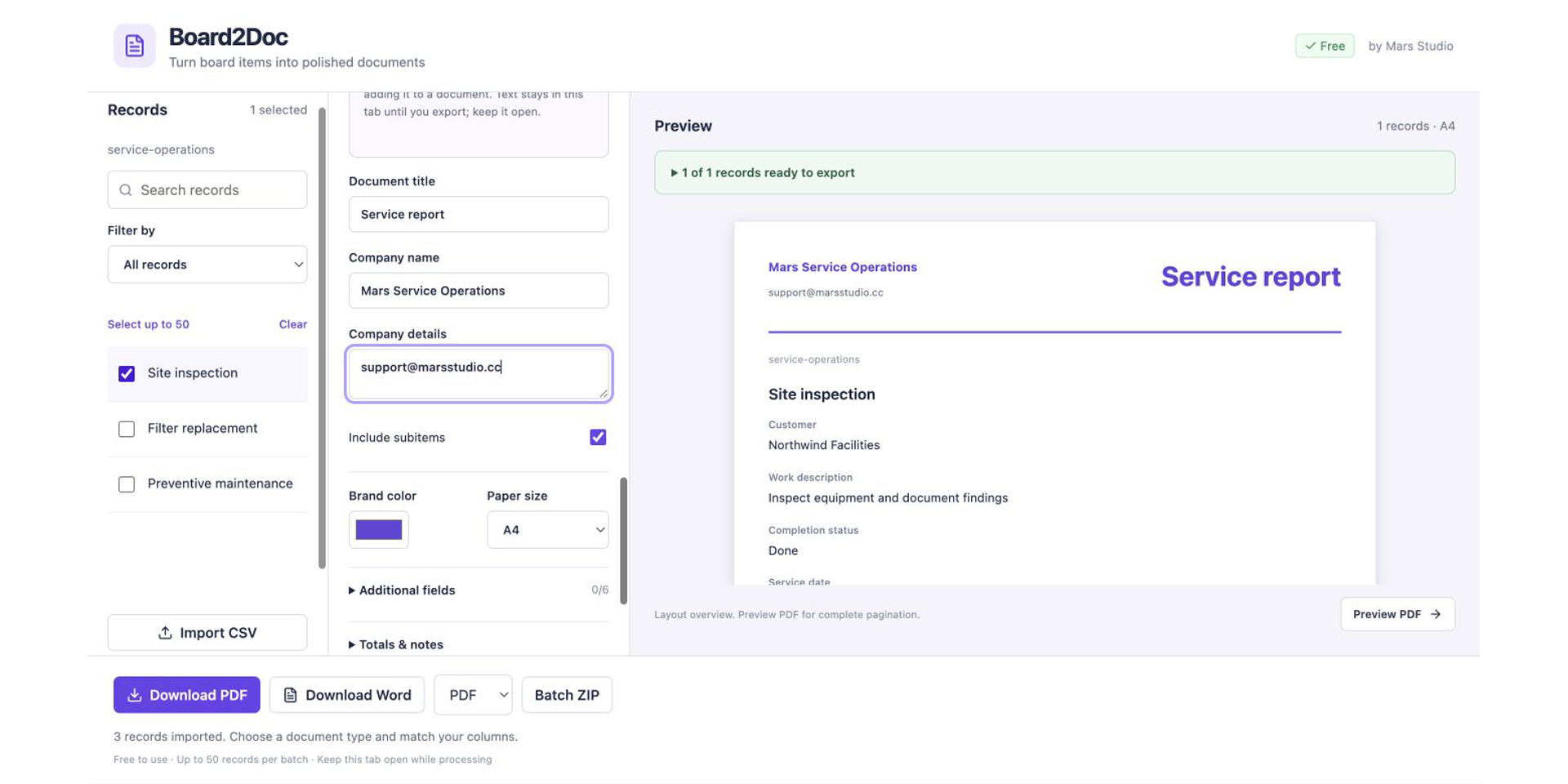
- Choose a workflow. Select Quote, Service report, or Project summary.
- Map your fields. Match board columns to the customer, description, quantity, price, owner, status, date, and other fields required by the chosen workflow.
- Review the layout. Check the live preview and update the document title, company name, colors, or logo.
- Optional: request an AI summary. Choose the source text, confirm what will be sent to monday AI, review or edit the result, and select “Use in document” only when it is ready.
- Export. Download a PDF, Word document, or ZIP package. For a single record, you can also choose a file column and save the generated document back to the board.
Need help? Visit Board2Doc Support.